01
Audio + MIDIWax Keys
An original pencil-drawn synthesizer. Real MIDI lights the matching keys and control markers above an ink-and-color piano roll.
Easily create and export stunning 4K music videos for Spotify, YouTube, and Social Media like TikTok or Instagram in just a few clicks.
One payment · Unlimited exports · Lifetime access & updates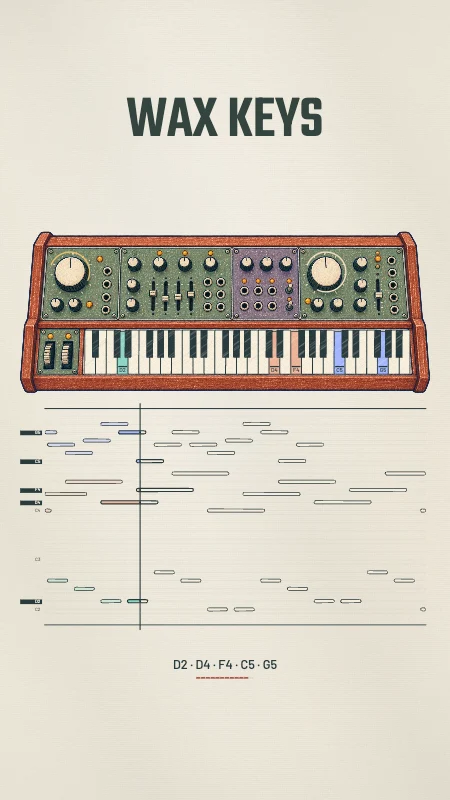
Wax KeysSwipe up or use the arrows to change the look.
Social feedExplore music visualizer templates, from clean waveforms to bold 3D motion. Open a preview to see it in action.
An original pencil-drawn synthesizer. Real MIDI lights the matching keys and control markers above an ink-and-color piano roll.
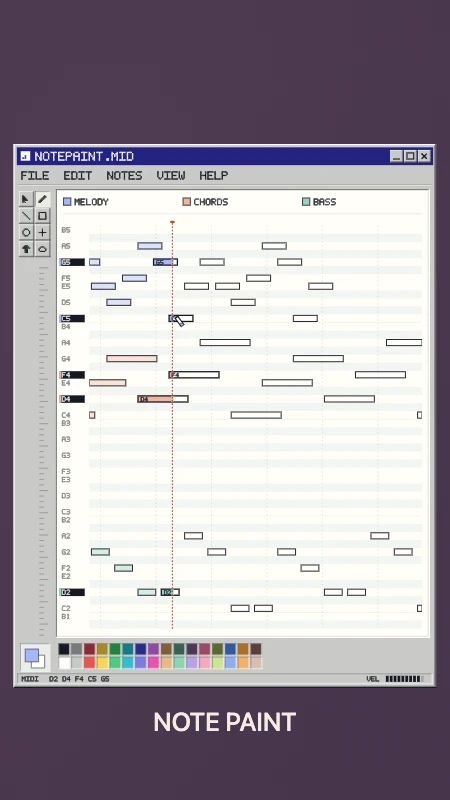
A retro paint-window piano roll. Real notes scroll into colored ink, with live pitch labels, a paint cursor and a velocity meter.
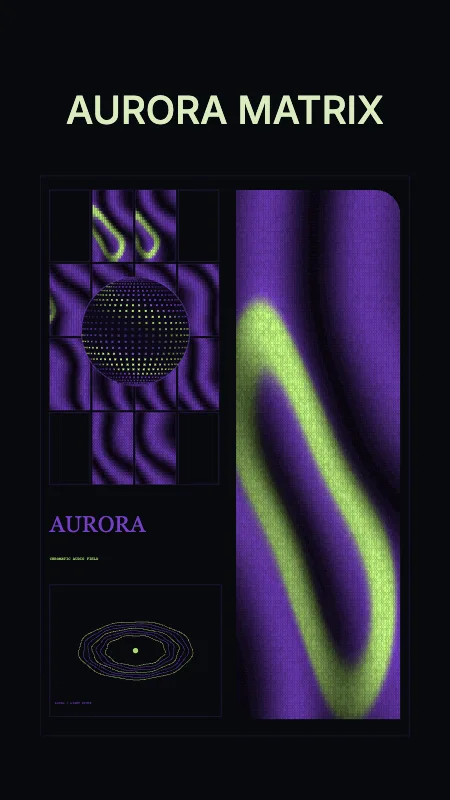
Violet/lime aurora · dotted globe · interference print
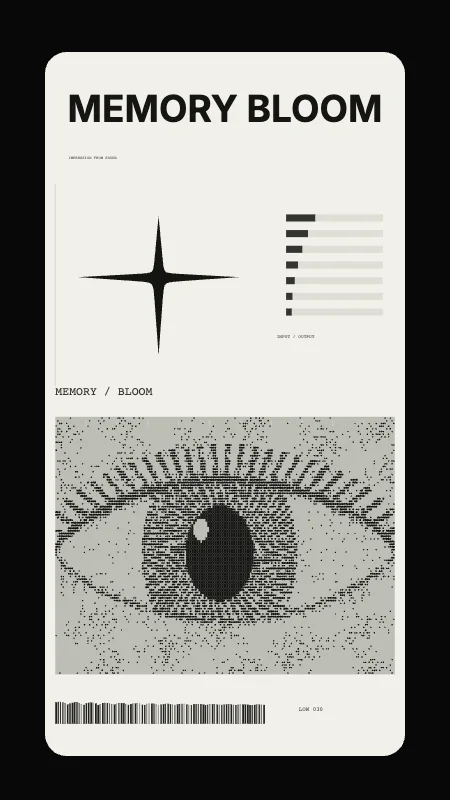
White editorial poster · etched eye · bass-driven star
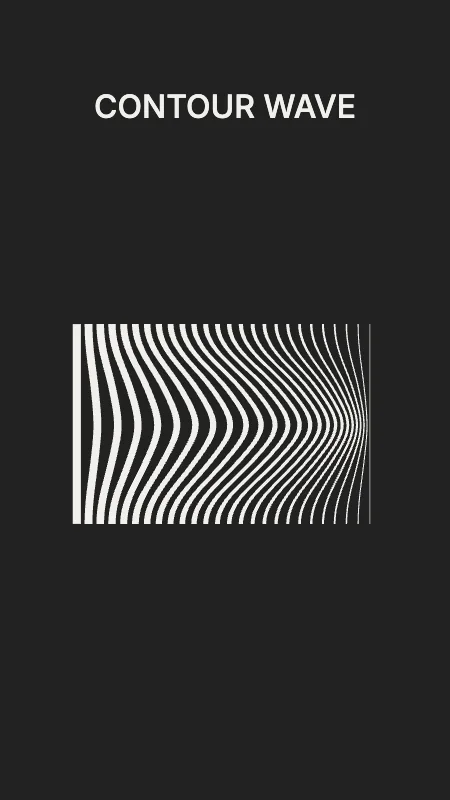
Tapered ribbons · sculptural wave · bass-driven bend
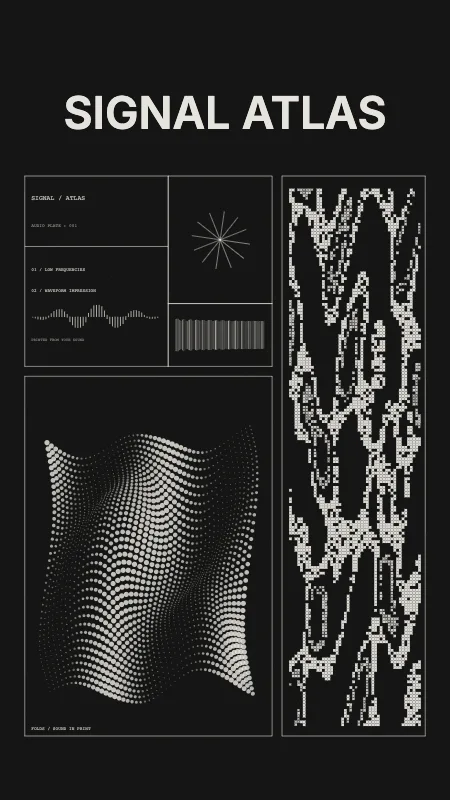
Xerox print plates · halftone folds · signal map
Your cover, your colors, your release. A finished 9:16 video with sound.
Custom artwork and a bold spectrum. A finished 4:5 video with sound.
No After Effects. No plugins.
No render credits to count.
Upload your audio. Add cover art, a video background or a matching MIDI file if you want.
Choose a template. Edit text and colors, move layers, and tune the motion to your music.
Pick your format and export locally in your browser. Up to 4K on supported devices.
Pair your sample with its MIDI and watch melodies, chords and pitch become part of the picture. Add your BPM and key. Your audio is still the soundtrack.
Your media stays on your computer. Rendering and audio analysis run in your browser.
Check device compatibilityI’ve tried a bunch of visualizer tools and most of them either look generic or lock you into a monthly fee. VisualizerWave is the first one that actually felt built for musicians. Drop the track in, pick a style, tweak colors and how hard it reacts to the bass, and you’re exporting a 4K video. No After Effects, no plugins, no “render credits.”

I needed vertical videos for TikTok and Reels and I am not a video editor. This was stupidly easy. Upload the song, switch to 9:16, add my name and a simple waveform, export.

For $19 lifetime with unlimited exports, this replaced the subscription tool I was using. If you put music on YouTube and don’t want to learn Premiere, just use this.

From your next sample to your whole catalog. Make as many music videos as you want, without another subscription.
Instead of $69 Save $50
$19USD
paid once
No monthly fees. No annual renewal.
Only 9 purchases left at $19.Then $29.
30-day money-back guarantee
No questions asked. Refund policy
After you buy Follow the access instructions in your receipt, then open the editor and create your first video.
Get lifetime access at today's price. Every future update, new template, and new export format is included — forever.
Check your device before buyingStill have a question? Email me — I reply within 24 hours.
No. All audio looks work with your music alone. Audio + MIDI looks use a matching MIDI file to animate actual notes and chords while your audio supplies the soundtrack. VisualizerWave does not generate instrument sounds.
Yes. Change colors and text, move elements on the canvas, add your own artwork or a video background, and adjust how the visual reacts. Producer templates also support BPM and key labels. Templates are starting points, not locked layouts.
Upload browser-supported audio such as MP3 or WAV, artwork, and video backgrounds. Add standard MIDI files for note-driven looks. Export MP4 or WebM in landscape, portrait or square formats, with up to 4K available on supported devices.
Desktop Chrome or Edge is recommended for the smoothest editing and larger exports. There is a mobile browser workflow too, but available formats, resolution and export speed depend on your browser and device. Check the compatibility guide before buying if mobile is your main setup.
Your media processing, audio analysis and video rendering happen locally in your browser. There is no server-side render queue or render-credit system. Keep the tab open while exporting; the time needed depends on your track, effects, resolution and computer.
Yes. VisualizerWave keeps a recovery draft locally in your browser and includes undo while you edit. You can also save a portable .visualizerwave project file with your setup and media, then reopen it later or on another computer. Browser-local recovery is not cloud storage, so save a project file before clearing browser data or moving devices.
Yes. Long Set mode can export extended mixes or selected sections locally, with direct-to-disk saving on supported desktop browsers. Track length, resolution and effects are limited by your device, available memory and browser capabilities. Check the compatibility guide for your setup before exporting a long mix.
Checkout is handled by Gumroad. Follow the access instructions in your purchase receipt, then use Customer login to open VisualizerWave. Your one-time purchase includes the current template library, unlimited exports and future updates, with no monthly subscription.
Yes. You can publish and monetize videos made for your releases and promotional content. Make sure you have the necessary rights to the music, artwork and other media you upload. The full license is linked below.
Your purchase comes with a 30-day money-back guarantee. The refund policy explains the details and how to get in touch. No subscription to cancel.
We support 16:9 (YouTube / landscape), 9:16 (TikTok / Reels / Stories), 1:1 (square), and 4:5 (portrait feed). Future ratios are included with your license.
One-time payment, forever. You pay $19 once and you're done. No monthly fees, no annual renewals. Your license never expires — and every future update is included.
No. Your lifetime license includes future updates, templates, effects, and export formats at no additional cost.
I built VisualizerWave as a musician who wanted a tool without another monthly bill. Your computer does the rendering directly in your browser, so there is no expensive render server behind each export. That keeps running costs lower and lets me offer one-time lifetime access with future updates included.
Not at all. VisualizerWave is built for artists — not editors. You upload your audio, pick a template or style, tweak a few settings, and export. Most users finish their first video in under 5 minutes.
Pay once, create without limits, and keep every future update.