A good type beat video has one job: make the beat feel like a finished release while keeping the producer name and buying path clear. You do not need a timeline full of keyframes to achieve that. A strong image, restrained audio reaction, readable text, and a clean 16:9 export are enough.
Here is a repeatable workflow built for producers who upload frequently.
Only presenting a melody or drum pattern rather than a finished beat? Use the sample visualizer workflow for pack previews, or the loop video guide for musical bar lengths and repeat boundaries. If you have matching MIDI, you can also show the notes behind the sample.
1. Prepare the beat and producer tag
Export the version you actually want listeners to hear. WAV gives you a high-quality source, while MP3 is smaller and faster to load. Make sure reverb and delay tails are not cut off.
Working in FL Studio? The FL Studio visualizer comparison explains when to keep the video in ZGameEditor and how to export a finished WAV for a separate browser workflow.
Place the producer tag where it supports your release strategy. VisualizerWave does not alter or normalize the uploaded master; the exported video uses your source audio.
2. Start with one strong image
Use artwork you own or have permission to use. A high-resolution image gives the 4K export enough detail and avoids obvious softness around text or faces.
For the YouTube version, create in 16:9. Keep the central subject away from the artist and track title. If you also want TikTok or Reels content, create a separate 9:16 layout so the composition looks intentional on a phone.
3. Choose the visualizer by genre
The visualizer should support the beat instead of hiding the image:
- Trap and drill: radial spectrum or firm frequency bars with controlled glitch.
- R&B and melodic beats: smooth waveform, gentle zoom, and restrained bloom.
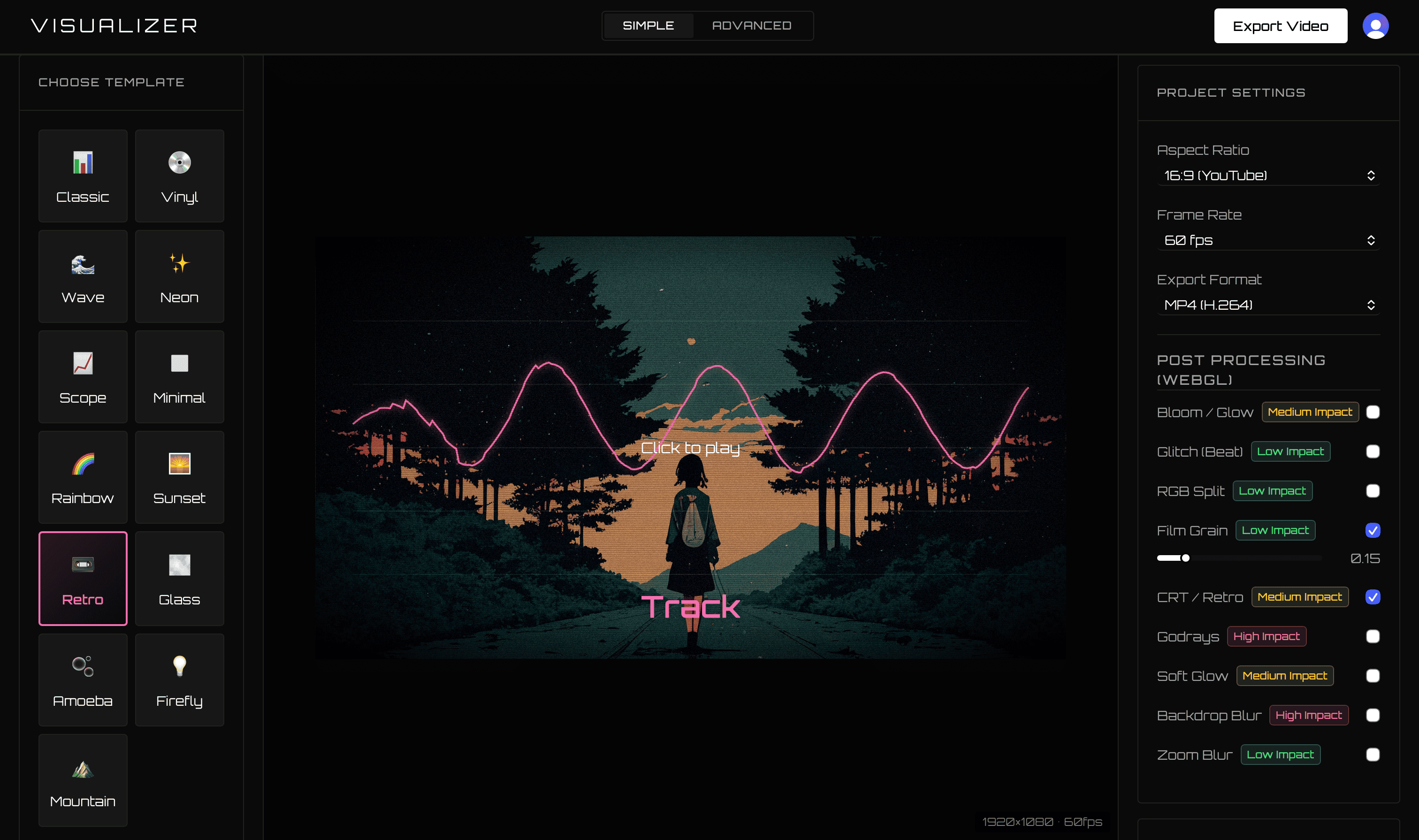
- Lo-fi: narrow spectrum, soft color palette, and a Retro or Dream preset. The vintage visualizer guide shows how to balance CRT texture and grain while keeping the title clear.
- Electronic and rage beats: faster reactivity, Digital preset, and selective shake.
Start with the Classic template if you want speed. It is already selected when the app opens and gives you a visible starting point instead of an empty canvas.
4. Tune the reaction to the 808
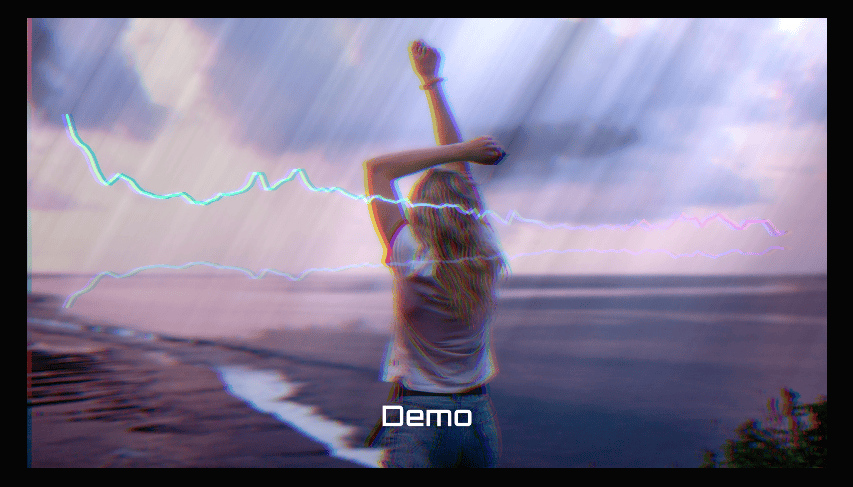
More movement is not automatically better. Preview the loudest section of the beat and adjust:
- Frequency range, so the low end drives the main shape.
- Reactivity, until kick hits are visible without constant jumping.
- Smoothing, so melodic sections do not look nervous.
- Beat zoom, shake, or glitch only after the basic visualizer feels right.
The Digital and Neon effect presets can create energy quickly. The Clear Effects action makes it easy to return to a clean base when an effect combination gets too heavy, and compatibility warnings flag combinations likely to cost more rendering performance.
5. Keep the title readable
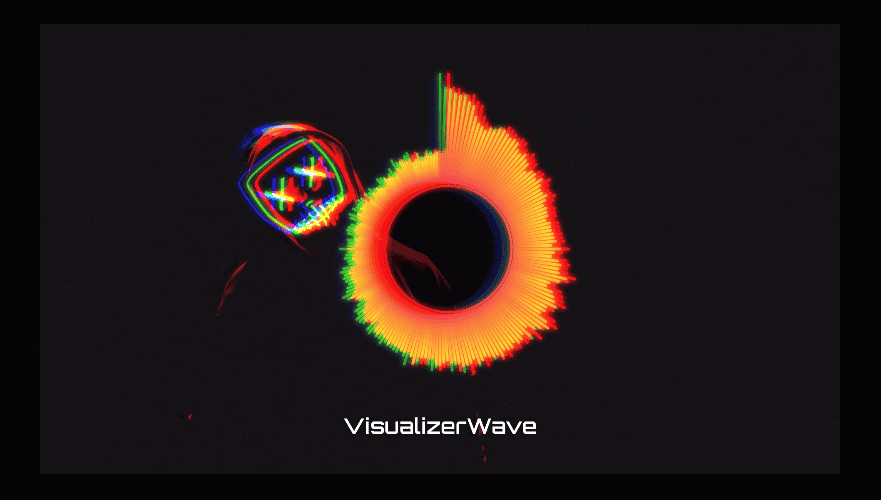
Use a short beat name, your producer name, and a high-contrast font. Avoid positioning the text directly over the busiest part of the spectrum. Check it in the editor at a smaller scale; most viewers first see the video as a thumbnail or on a phone.
A useful visual hierarchy is:
- Beat title: largest
- Producer name: smaller but visible
- Visualizer: expressive, but behind the information
6. Export a YouTube master and social versions
For the main upload, choose 16:9 MP4 at 1080p or 4K. VisualizerWave also supports WebM when that is the better path in the current browser. It checks the actual codecs available before export rather than silently delivering a different format.
Then make a 9:16 version for a short preview. Use the most recognizable 15–30 seconds of the beat and adapt the layout rather than simply cropping the center of the YouTube file.
The browser compatibility test checks available export paths and estimates performance before you render.
7. Package the upload for listeners
A consistent title format helps people understand the beat quickly. For example:
[FREE] Artist Type Beat – “Beat Name” | Prod. Your Name
Put the beat store or license link near the top of the description, then add BPM, key, contact details, and relevant credits. Do not overload the title with unrelated names.
Make the next upload faster
Save the finished session as a portable .visualizerwave project. For the next beat, load it, swap the audio and artwork, and update the text. Or skip projects completely and start fresh—the fast upload-to-export workflow remains available.
VisualizerWave is $19 one-time with unlimited exports. Because the video is processed locally, you do not spend a render credit every time you upload another beat.