The Specterr audio visualizer is a browser editor with server-side video rendering. You upload a recording, customize a preset, then download the rendered result. VisualizerWave offers a different workflow: import your recording and render on your own device, with a $19 one-time license and unlimited exports.
Choose Specterr when remote rendering is the feature you need and its plan fits your releases. Choose VisualizerWave when keeping media processing on your computer, saving portable projects and making repeated versions matter more. Your browser and hardware must support the local export you intend to make.
Disclosure: VisualizerWave publishes this comparison. Specterr's official feature and pricing pages were checked October 23, 2026; we did not upload media or complete a Specterr export. We completed the short silent VisualizerWave export shown below using its actual renderer and exporter. This is a workflow comparison, without a measured speed or image-quality ranking between the products.
Specterr vs VisualizerWave: the practical differences
| Decision | Specterr | VisualizerWave |
|---|---|---|
| Where the video is rendered | On Specterr's servers | On your computer, in the browser |
| Source workflow | Upload MP3/WAV and customize a preset | Import a recording, choose a design and edit its layers |
| Payment and allowance | Free, subscription and single-video options; plan conditions apply | $19 once; unlimited exports |
| Quality choices | Free 720p; Pro 1080p; Unlimited 4K, as listed at our check | MP4/WebM and higher resolutions depend on browser/device capabilities |
| Returning to a release | Account-based projects and stored files | Local recovery plus a portable .visualizerwave project |
| Main check before committing | Currency, billing period, credits, duration and watermark | Available export path, free disk space and a representative saved sample |
Both tools support building a visualizer around an uploaded or imported recording, images and text. A browser interface alone does not tell you where the media is rendered. For a wider shortlist, see the audio visualizer selection guide.
Current Specterr prices: keep currency and billing visible
Specterr's pricing page displayed EUR during our check. These are the displayed amounts, without converting them to the USD price of VisualizerWave:
| Offer | Displayed price | Billing and allowance |
|---|---|---|
| Free | €0 | One video/day, with a watermark |
| Pro, monthly | €27/month | Five videos/month |
| Pro, yearly | €15/month equivalent | €180 billed yearly; 60 videos/year |
| Unlimited, monthly | €69/month | Unlimited videos |
| Unlimited, yearly | €45/month equivalent | €540 billed yearly; unlimited videos |
An annual plan's monthly equivalent is not a monthly payment. Check the selected currency, amount due and billing period on the current offer before buying. Specterr also listed a single-video option, whose price we did not verify here.
The Free card listed 720p at 30 fps, a five-minute limit, image backgrounds and exported videos expiring after ten days. Pro listed 1080p at 60 fps and no watermark. Unlimited listed 4K at 60 fps and videos up to 120 minutes. These are documented plan features, not outputs we tested in Specterr.
Pro's ten-minute label needs its credit explanation
The pricing card says ten-minute videos, but Specterr's expanded FAQ explains that Pro credits can be combined, with each credit covering up to ten minutes. Its example uses five credits for a 45-minute video.
That changes how you should plan a long mix. Duration and remaining credits both matter; ten minutes should not be treated as an absolute ceiling for every Pro export. Confirm the current rules for your chosen billing plan, separate versions and revisions before relying on a credit budget.
VisualizerWave's current price is $19 once, with unlimited exports. Local rendering still uses your own computing resources. A one-time price does not establish how quickly your particular project will finish.
Count deliverables before choosing a plan
Consider one release with three planned files:
| Deliverable | What changes |
|---|---|
| Full landscape video | Whole track, artwork and artist/title layout |
| Vertical teaser | Shorter range and a composition designed for a phone |
| Square promotional clip | Another canvas and text/artwork placement |
That is one song and three deliverables. Add a revised title or a client correction and you have more output work, even though the music has not changed.
For a service with credits, check how those files and revisions are counted. A long full-length video can use multiple credits before you make the short versions. For a local renderer, check that the computer can complete the longest file and that each alternative layout remains readable.
This is a planning example, not three completed exports. It helps identify the repeated job you are paying for. Compare the result you need rather than choosing only by a large template count or a monthly-equivalent headline.
Cloud rendering and local processing have different tradeoffs
Specterr's official workflow describes sending audio and images to the service and having its servers produce the video. That can be useful when you prefer remote rendering. Upload time, service conditions and the plan covering your intended output remain part of the workflow. We did not measure its upload, queue or render times.
VisualizerWave decodes media, analyzes the recording and renders video in your browser. Its local media processing can suit unreleased tracks and repeat client work. Account and checkout services still use the network; this is not a claim that the entire website works offline.
The tradeoff is that your computer supplies the rendering resources. Run the compatibility check in the browser you intend to use. It checks export capabilities and offers a local performance estimate. That estimate is guidance; an exported sample of your actual design is the practical next check.
For long recordings, pay attention to Long Set direct-to-disk support. A browser that downloads ordinary files does not necessarily expose the direct file-writing feature required for that route. More demanding effects and higher resolutions can also change the result.
Our completed local example: After Hours
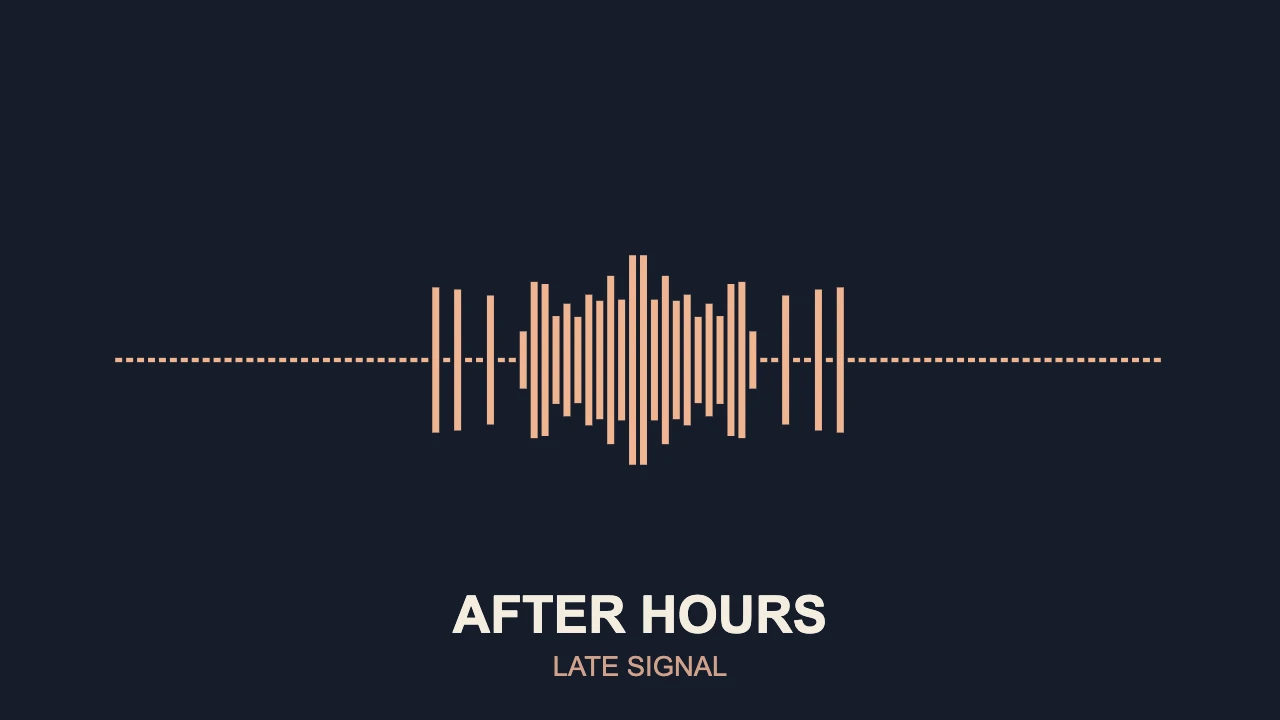
For this refresh, we made a new composition using VisualizerWave's Mirror Line template, warm frequency bars and separately editable artist/track text. The actual analyzer, scene renderer and VideoExporter produced this file:
Actual product-code export; the cover shows the same composition. An existing local test recording drove the visual response. The public animation deliberately contains no audio stream.
| Check | Observed result |
|---|---|
| Host and browser | macOS 26.5.1, arm64; Chromium-based in-app browser reporting Chrome 155 |
| Container/video | MP4 with H.264 video |
| Frame size and rate | 1280 × 720 at 30 fps |
| Length | Six seconds, 180 frames |
| Soundtrack | None requested or present |
| File inspection | Saved file decoded and stream/frame properties checked |
This test establishes one short, silent export through a local code fixture. It does not test editor onboarding, soundtrack encoding, 4K, a complete track, long-set rendering or every browser. Specterr was reviewed through documentation, so the two products were not put through a matching export benchmark.
The settings are a design starting point: 96 bars, smoothing 0.65 and reactivity 0.8. Another recording can drive the spectrum differently. Check a quiet passage and the strongest section before committing to the full render.
Build and reuse your release composition
In VisualizerWave, the practical workflow is:
- Import the final recording. Start with the WAV or MP3 you intend to release.
- Choose the canvas and design. Add artwork, edit the artist/title layers and leave space for the visualizer's strongest movement.
- Export a short representative section. Inspect the saved file's framing, movement and soundtrack before rendering the whole song. The example above omits sound for this page; your release needs its own audio check.
- Save a portable project. A
.visualizerwavefile can package the settings and source media, so you can return to the design or adapt it for another release.
The complete music visualizer tutorial shows the current editor controls and export dialog. The minimal line guide explains a restrained spectrum layout like this example.
Keep a copy of the portable project outside browser storage. For a vertical or square version, revisit the composition rather than assuming the landscape layout will fit after resizing.
Which workflow should you choose?
Specterr is worth evaluating when server rendering is central to the job and its current credit, duration and billing conditions suit your release schedule. Its free plan provides a lower-resolution, watermarked route to assess the service.
VisualizerWave fits repeated release-video work when you want local media processing, portable projects and unlimited exports for one purchase. Check your browser first, then validate a short saved section of your own track and design.
Create your release video with VisualizerWave for $19 once.
Specterr is a trademark of its respective owner. VisualizerWave is not affiliated with Specterr.