Make the Reel in a vertical frame from the start.
Turn the part of your song people need to hear into a 9:16 visualizer. Design for a phone screen instead of squeezing a landscape video into one.
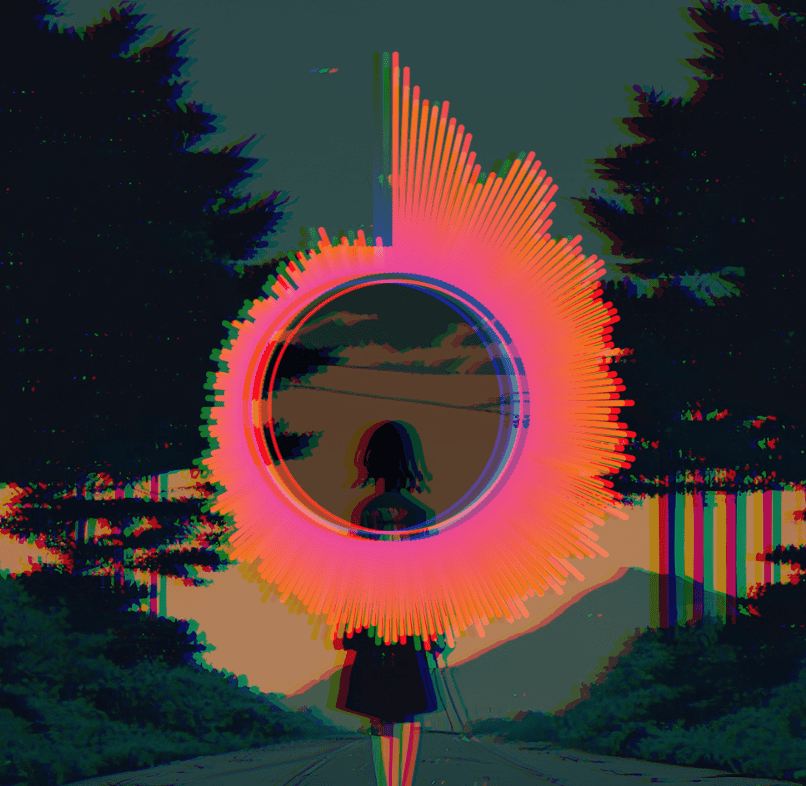
A full frame is not a fully visible frame
Instagram places its own caption, audio label, and action buttons over a Reel. Keep important text and the core of your artwork away from the bottom and right edge, then review the exported clip inside Instagram before publishing.
Make it in three moves.
Pick the section
Select a hook, drop, or memorable phrase. Export only that range rather than rendering a full track and trimming it in another app.
Design for 9:16
Choose the vertical aspect ratio, position artwork and title in the central area, and keep visualizer motion visible at phone size.
Export and review
Download an MP4 if supported, watch it on your phone, and confirm Instagram’s interface does not cover your artist name.
Give the first frame a job
A Reel is often seen before the sound is turned on. Put the artist identity and artwork on screen immediately, then let the audio-reactive visualizer reward the viewer when the track plays. A selected section can come from any part of the source file.
- Canvas
- Choose 9:16 (1080 × 1920 at the 1080p setting) for Reels, Shorts, and TikTok.
- Safe placement
- Avoid placing small text at the bottom or far right. Platform overlays vary by device and can change over time.
- Feed alternative
- For a feed post rather than a Reel, switch to 4:5 or 1:1 and review the layout again.
Good questions.
Can I export just part of a song?
Yes. Set a start and end time in the export panel.
Will it crop a landscape project automatically?
You can switch aspect ratios, but you should reposition layers and inspect the preview before exporting.
Can I use my cover artwork?
Yes. Add your image and use a cover-focused template or place it as a layer.
Make the visual.
Keep the music yours.
One payment, unlimited local exports. No render credits or monthly bill.