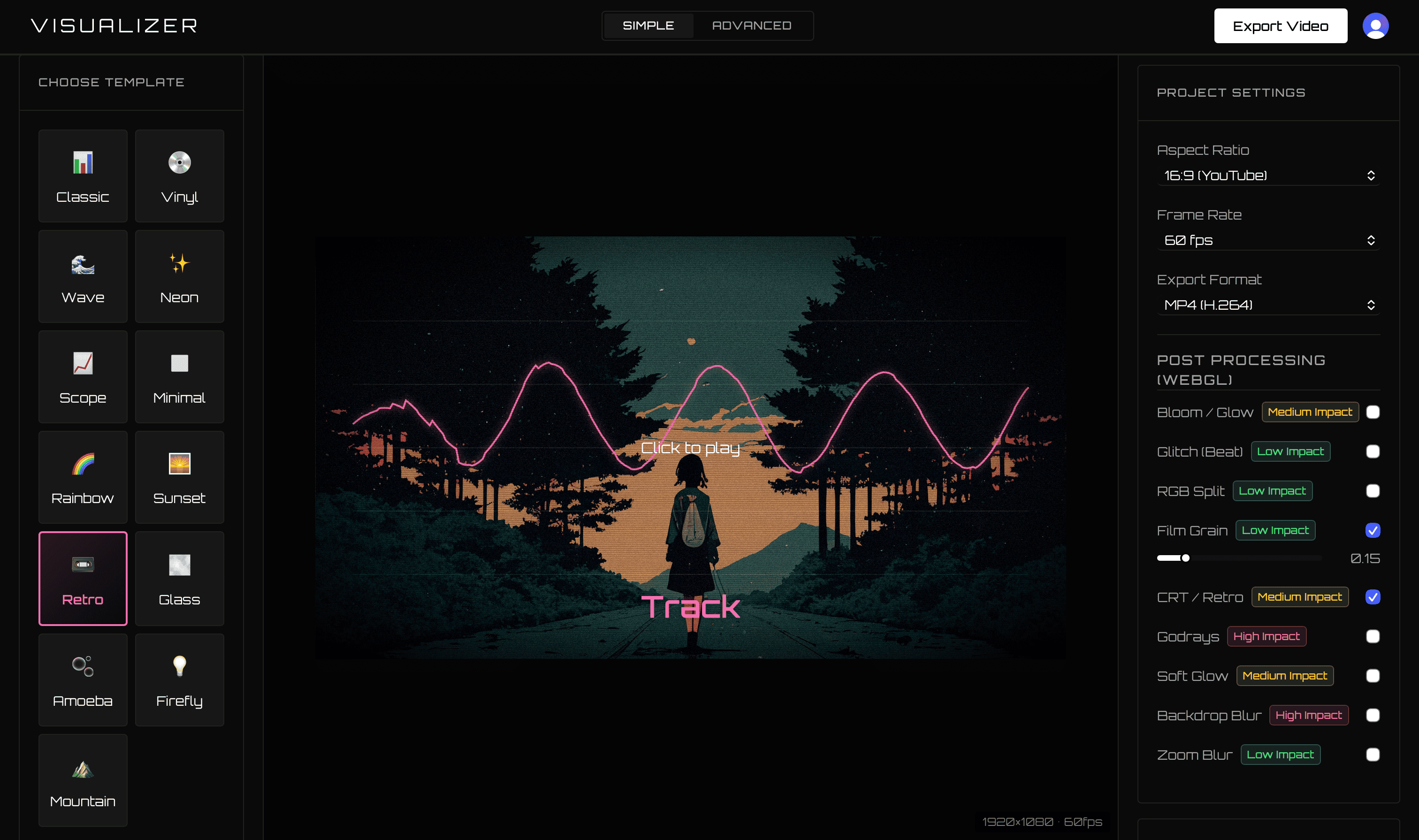
If you want to turn finished music into an audio-reactive video, both Tuneform and VisualizerWave can get you there. The important difference is what happens after the first export.
VisualizerWave is the stronger choice for artists who release repeatedly: pay once, export without credits, keep the source media on your computer, and save the complete session as a portable local project.
Comparison last checked September 2026. Competitor features and pricing can change; linked sources point to official product documentation.
VisualizerWave vs Tuneform at a glance
| Feature | VisualizerWave | Tuneform |
|---|---|---|
| Pricing | $19 one-time lifetime license | Subscription and duration-credit model |
| Export allowance | Unlimited exports | Visualizer credits represent export duration |
| Media processing | Local on your computer | Service-based rendering workflow |
| Maximum output | Up to 4K MP4 or WebM | Full HD is advertised on the official site |
| Project portability | One .visualizerwave file with media and settings | Account-based saved workflow |
| Local recovery | Automatic browser-local draft | Not the focus of the public product pages |
| Long audio | Long Set mode for audio over 15 minutes | No stated duration limit; credits are duration-based |
| Creative effects | Beat zoom, shake, glitch, presets, frequency controls | Template and visual customization tools |
The pricing difference matters after one release
VisualizerWave currently costs $19 once. That lifetime license includes unlimited exports and future updates. You can render a new version because the color felt wrong, make both landscape and vertical edits, or publish every beat in a catalog without consuming credits.
Tuneform’s official FAQ explains that visualizer exports use credits based on duration, with one credit representing ten seconds. Its monthly plans include a credit allocation. That makes the cost model part of every future release decision.
For a musician building a catalog, VisualizerWave’s pricing is simpler:
- No monthly renewal.
- No per-video fee.
- No render-credit calculation.
- No penalty for exporting revisions.
Your unreleased music stays on your device
VisualizerWave analyzes the audio, renders frames, packages projects, and encodes the video in the browser on your computer. Your track and artwork are not uploaded to a VisualizerWave render server.
That local-first architecture is valuable when you are working with an unreleased master, private client beat, or label material. It also keeps the business model sustainable: the product does not need to charge for remote compute every time you render.
Tuneform describes an online service that creates the video for the user. Its public site notes that a five-minute song may take around three minutes to render.
4K and format control
VisualizerWave can export MP4 or WebM up to 4K, depending on the codecs supported by the current browser and device. Before export, it checks the actual capabilities available and warns about unsupported paths.
Tuneform advertises full-HD output on its official site. If 4K masters, selectable formats, and device-specific compatibility checks are important to your release workflow, VisualizerWave offers more direct control.
Run the VisualizerWave compatibility test before buying to see what your own computer supports.
Projects without being forced into project management
VisualizerWave supports two workflows:
- Open the editor, upload, customize, and export immediately.
- Save the entire session as a
.visualizerwavefile containing the audio, artwork, metadata, and settings.
The browser also keeps a local recovery draft. This gives repeat users a serious project workflow without slowing down someone who wants one quick video.
Which tool should you choose?
Choose VisualizerWave if you want:
- A one-time purchase instead of a recurring credit system.
- Unlimited exports for a growing catalog.
- Private, local media processing.
- 4K MP4 and WebM options.
- Portable projects, undo/redo, and local recovery.
- Direct control over beat effects, frequency response, and layout.
For independent artists, producers, and labels planning more than a single video, VisualizerWave is the better long-term value. You own the workflow, keep the media local, and can export as often as the release needs.
Get VisualizerWave for $19 once.
Tuneform is a trademark of its respective owner. VisualizerWave is not affiliated with Tuneform.