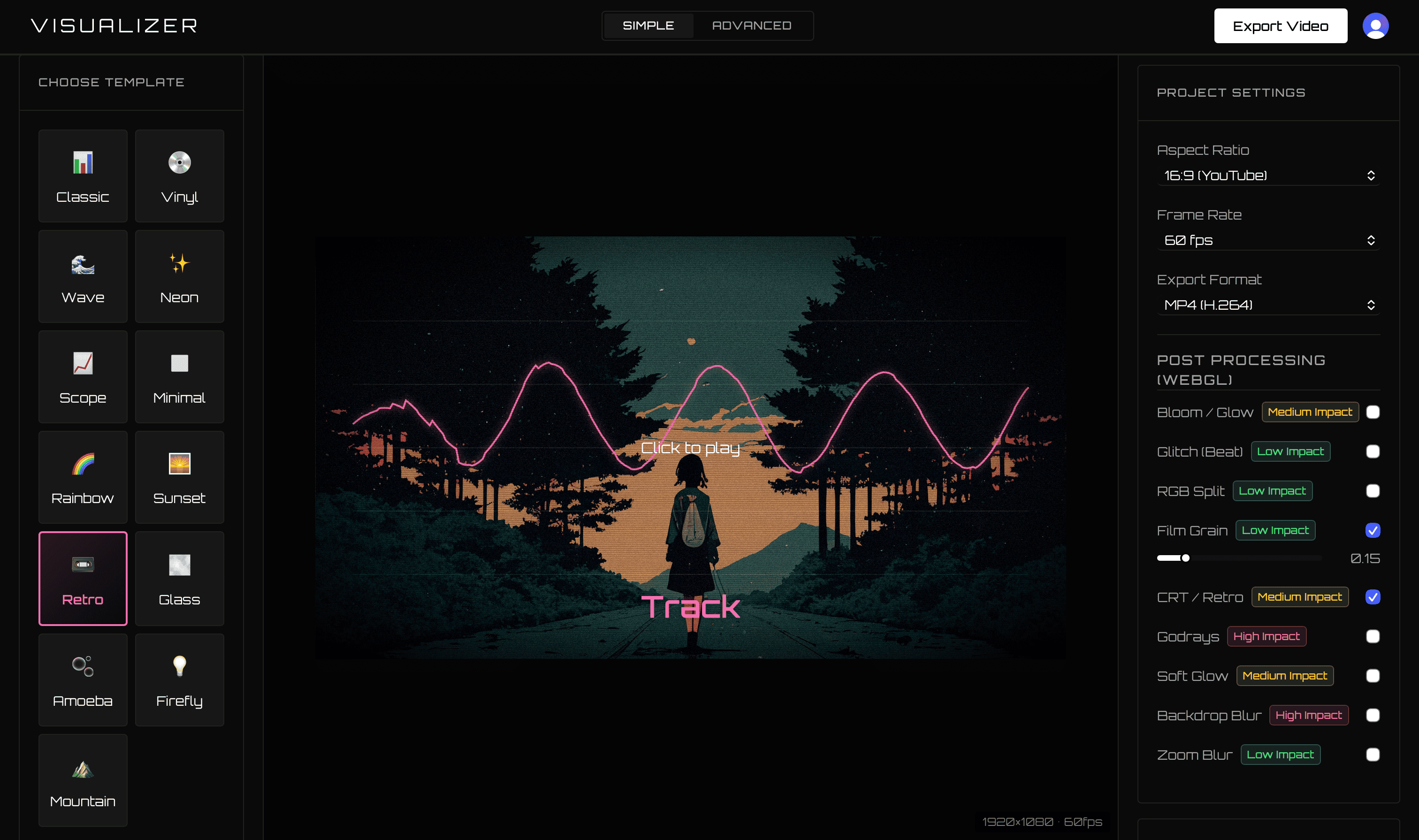
MusicVid.org helped make browser-based music visualizers accessible without payments, watermarks, or forced sign-ups. Its own FAQ also says the project is no longer actively developed. VisualizerWave is the modern alternative for artists who need current export formats, project recovery, 4K, Beat Effects, and long-form support.
For new releases in 2026, VisualizerWave provides the more dependable and actively evolving workflow.
Comparison last checked September 2026 using MusicVid.org’s official homepage and FAQ.
VisualizerWave vs MusicVid.org
| Feature | VisualizerWave | MusicVid.org |
|---|---|---|
| Pricing | $19 lifetime | Free |
| Development | Actively developed product | Official FAQ says it is not actively developed |
| Output | MP4 and WebM up to 4K, browser-dependent | Browser export through its older FFmpeg/WebAssembly workflow |
| Projects | Self-contained file with audio, artwork, and settings | Web project/template workflow |
| Recovery | Automatic browser-local draft | Not emphasized in official documentation |
| Effects | Beat zoom, shake, glitch, and curated presets | Community-created templates and settings |
| Long audio | Long Set mode and direct-to-disk options | No dedicated long-set workflow is documented |
| Compatibility | Live codec check and machine benchmark | FAQ recommends current Chrome or Firefox |
Free vs $19 once
MusicVid.org is free and its homepage promises no payments or watermarks. Some community visualizers require attribution, which the export process identifies. This information comes from MusicVid.org and its official FAQ.
VisualizerWave costs $19 once. The price supports a current commercial product and includes unlimited unbranded exports, portable projects, new templates, feature updates, and modern compatibility handling.
The relevant question is whether saving $19 is worth building a release workflow on software whose own page says it is no longer actively developed.
Designed for current browsers and export formats
MusicVid.org’s FAQ was last updated in 2020 and describes an FFmpeg WebAssembly exporter plus a desktop wrapper that may be less stable. Browser media APIs and codecs have changed substantially since then.
VisualizerWave checks the capabilities available right now. If a selected MP4, WebM, realtime, or 4K path is not supported, the app warns before rendering rather than disguising one format as another.
A safer creative workflow
VisualizerWave includes:
- Automatic local project recovery.
- Portable project archives with source media included.
- Undo, redo, complete reset, and Clear Effects.
- Effect performance and incompatibility warnings.
- A default Classic template with visible motion immediately.
This makes experimentation less risky and repeat releases faster.
Built for long audio as well as tracks
Audio longer than 15 minutes activates Long Set mode. VisualizerWave can recommend direct-to-disk realtime export and expose an isolated experimental offline MP4 path on capable computers.
The compatibility benchmark estimates sensible settings for 5, 30, 60, and 90-minute projects without uploading the track.
The modern MusicVid.org alternative
Choose MusicVid.org if zero price is the only requirement and an older, community-template workflow meets the project.
Choose VisualizerWave when you want:
- An actively maintained release tool.
- 4K MP4 and WebM options.
- Portable projects and local recovery.
- Beat-reactive effects and compatibility warnings.
- Dedicated long-set support.
- Unlimited exports for one $19 payment.
For musicians building a catalog in 2026, VisualizerWave is the safer and more capable long-term choice.
Upgrade your visualizer workflow for $19 once.
MusicVid.org is a project of its respective owner. VisualizerWave is not affiliated with MusicVid.org.