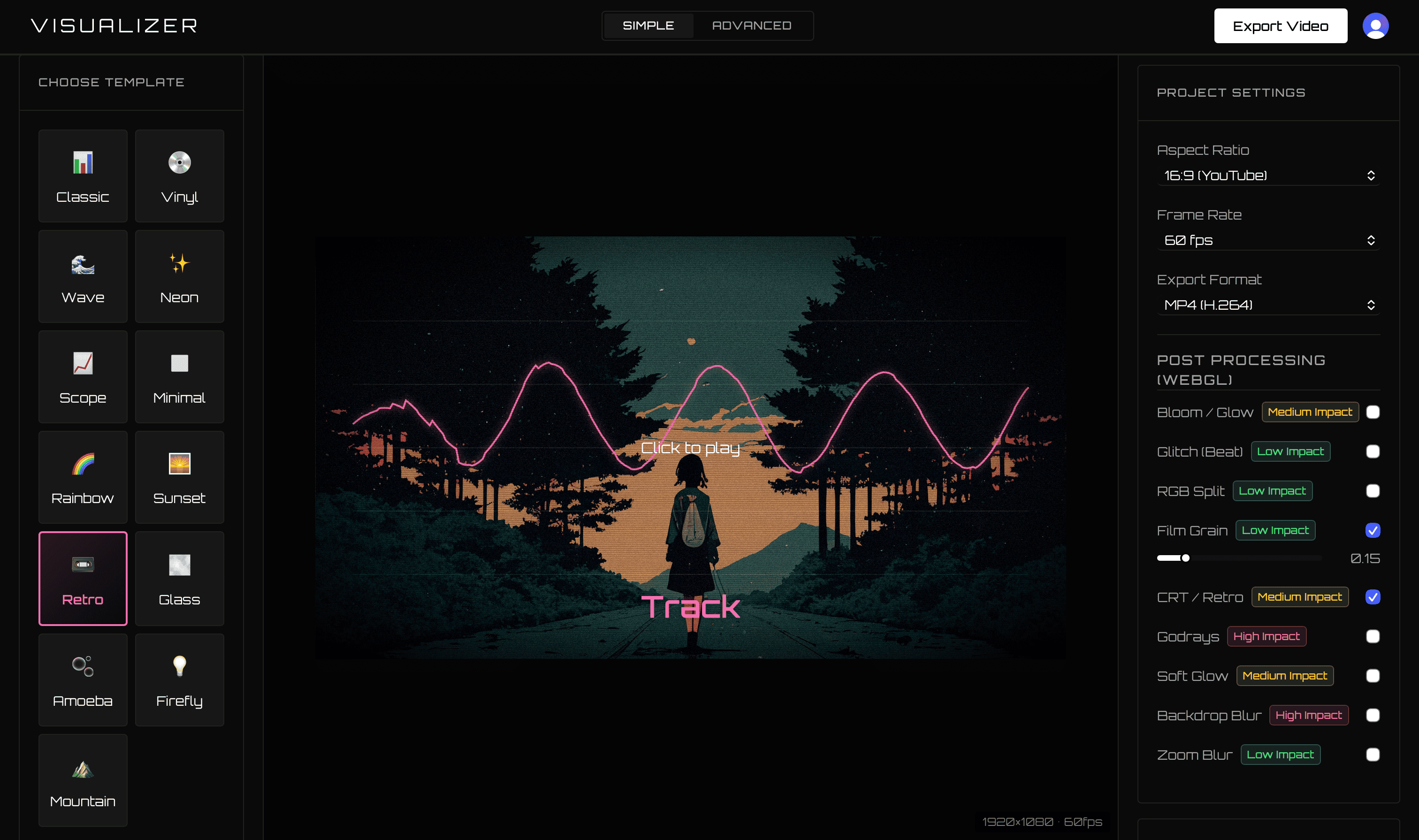
Vizzy and VisualizerWave are both browser-based music visualizers that render on the customer’s computer. Vizzy focuses on a free community editor. VisualizerWave is a paid, artist-focused product built around dependable repeat releases, portable projects, compatibility guidance, and long-form export paths.
If you are still choosing a workflow, the audio visualizer selection guide shows why an actual downloaded file is a useful first test.
For musicians who want a focused product workflow and an owned project archive, VisualizerWave is the stronger everyday release tool.
Comparison last checked September 2026 using Vizzy’s official homepage, FAQ, and documentation.
VisualizerWave vs Vizzy
| Feature | VisualizerWave | Vizzy |
|---|---|---|
| Pricing | $19 one-time lifetime license | Free, with optional community support |
| Export | Up to 4K and 60 fps, browser-dependent | Advertises up to 4K and 60 fps |
| Watermark | None on paid exports | Advertises no watermarks |
| Rendering | Local on your computer | Local on the user’s computer |
| Portable project | One file contains settings, audio, artwork, and text | Community/editor project workflow |
| Recovery | Automatic local recovery draft | Project behavior follows the Vizzy editor |
| Long audio | Automatic Long Set mode after 15 minutes | No dedicated long-set workflow is promoted on the homepage |
| Machine guidance | Codec checks and 5–90 minute benchmark advice | Browser guidance through FAQ/community resources |
Is paying better than free?
Vizzy advertises a free editor with 4K, 60 fps, no watermarks, and local rendering. Its official documentation says there are no plans for subscriptions or paid tiers.
VisualizerWave costs $19 once. The reason to choose it is not that free software is secretly expensive. The value is a tighter commercial product workflow:
- Portable projects that bundle the actual media.
- Browser-local automatic recovery.
- Explicit MP4/WebM capability checks.
- Long Set detection and direct-to-disk export paths.
- Performance guidance for 5, 30, 60, and 90-minute videos.
- Curated templates and direct effect-cost warnings.
For a working artist, paying once can be worthwhile when the workflow itself saves time across every release.
Projects designed to leave the browser
A VisualizerWave project is a file you can copy, back up, or move to another computer. It contains the audio, artwork, metadata, and visual settings rather than only referencing local source files.
The project system remains optional. The editor still opens with a working Classic visual for fast upload-and-export jobs.
Compatibility before a long render
Both products depend on the customer’s browser and hardware. VisualizerWave turns that dependency into a visible feature through its compatibility test.
It checks available encoders and recording formats, direct-to-disk support, wake lock, storage guidance, and local rendering performance. Before committing an hour to an export, the customer receives a realistic starting recommendation.
A focused release identity
VisualizerWave combines waveform, spectrum, radial, bars, scope, and other styles with artist/title layouts, Beat Effects, post-processing presets, and standard social ratios. Save the result as the visual identity for the next release.
Which Vizzy alternative is right for you?
Vizzy is compelling when the priority is zero cost and a community-driven editor.
Choose VisualizerWave when you value:
- A focused paid product for repeat artist releases.
- Self-contained portable project files.
- Local recovery, reset, undo, and redo.
- Dedicated long-audio handling and machine testing.
- One $19 payment with future updates.
For artists treating visualizers as part of an ongoing release system, VisualizerWave offers the more complete professional workflow even though Vizzy is free.
Get VisualizerWave lifetime access for $19.
Vizzy is a trademark of its respective owner. VisualizerWave is not affiliated with Vizzy.